 Pix42
Pix42
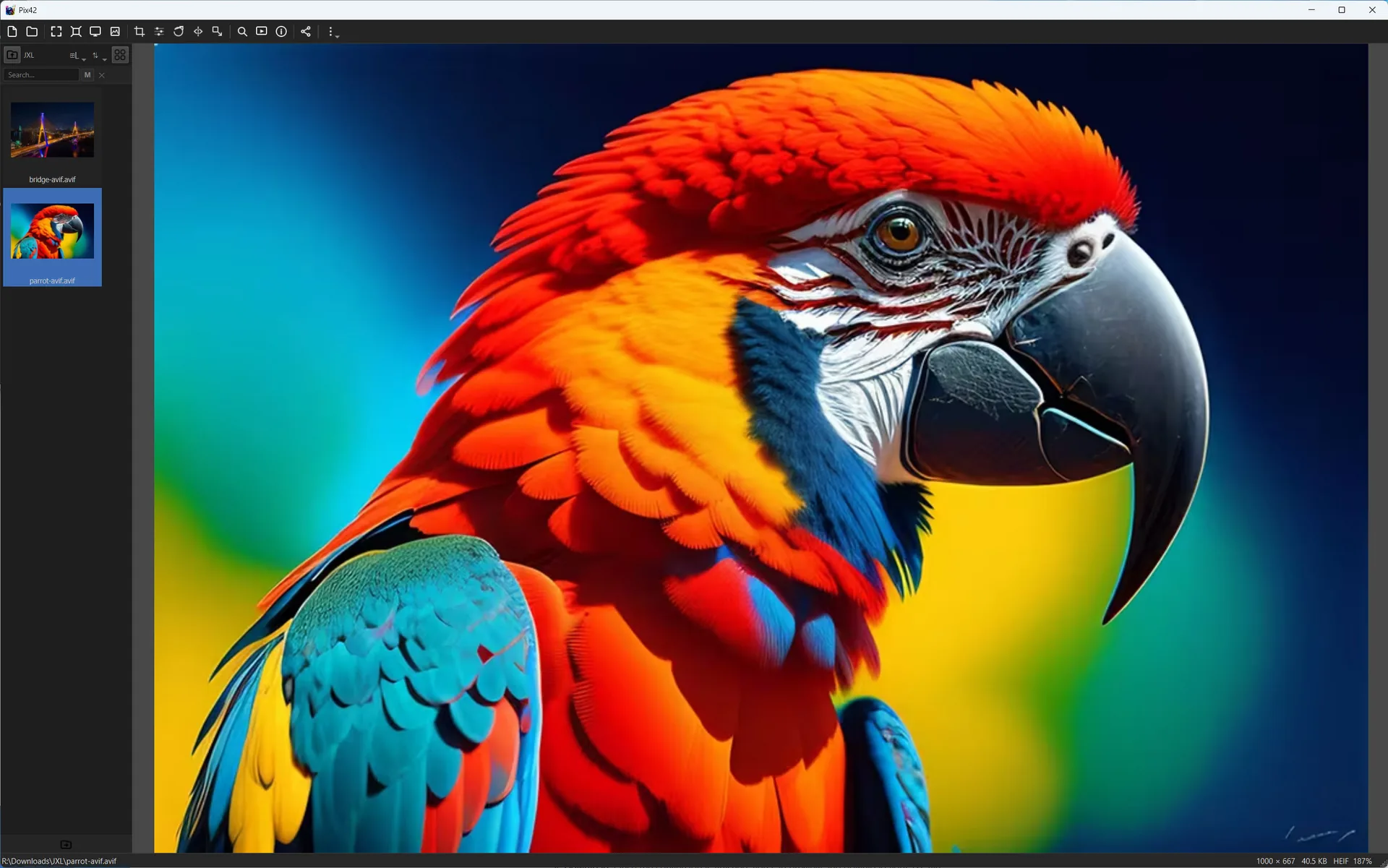
Respect the image color information
Modern image folders can include sRGB JPEGs, wide-gamut exports, HDR-oriented files, AVIF, JPEG XL, HEIC, OpenEXR, TIFF, and RAW-derived previews. Pix42 reads embedded ICC profiles where available and also recognizes nclx color profile metadata when present.
The app exposes relevant color metadata to the UI, recognizes wide-gamut cases, and follows an HDR-aware path when the display pipeline supports it. When reliable HDR output is not available, Pix42 falls back naturally to SDR behavior rather than pretending the display can do more than it can.
A viewer should not flatten serious images silently
Photographers, designers, VFX users, and scientific workflows often inspect files before they are edited or converted. Correct metadata handling helps Pix42 serve as a dependable first viewer for mixed folders and modern image formats.
Try Pix42 from your own folders.
Download the app and use these workflows with real image collections, mixed media folders, and long-running review projects.